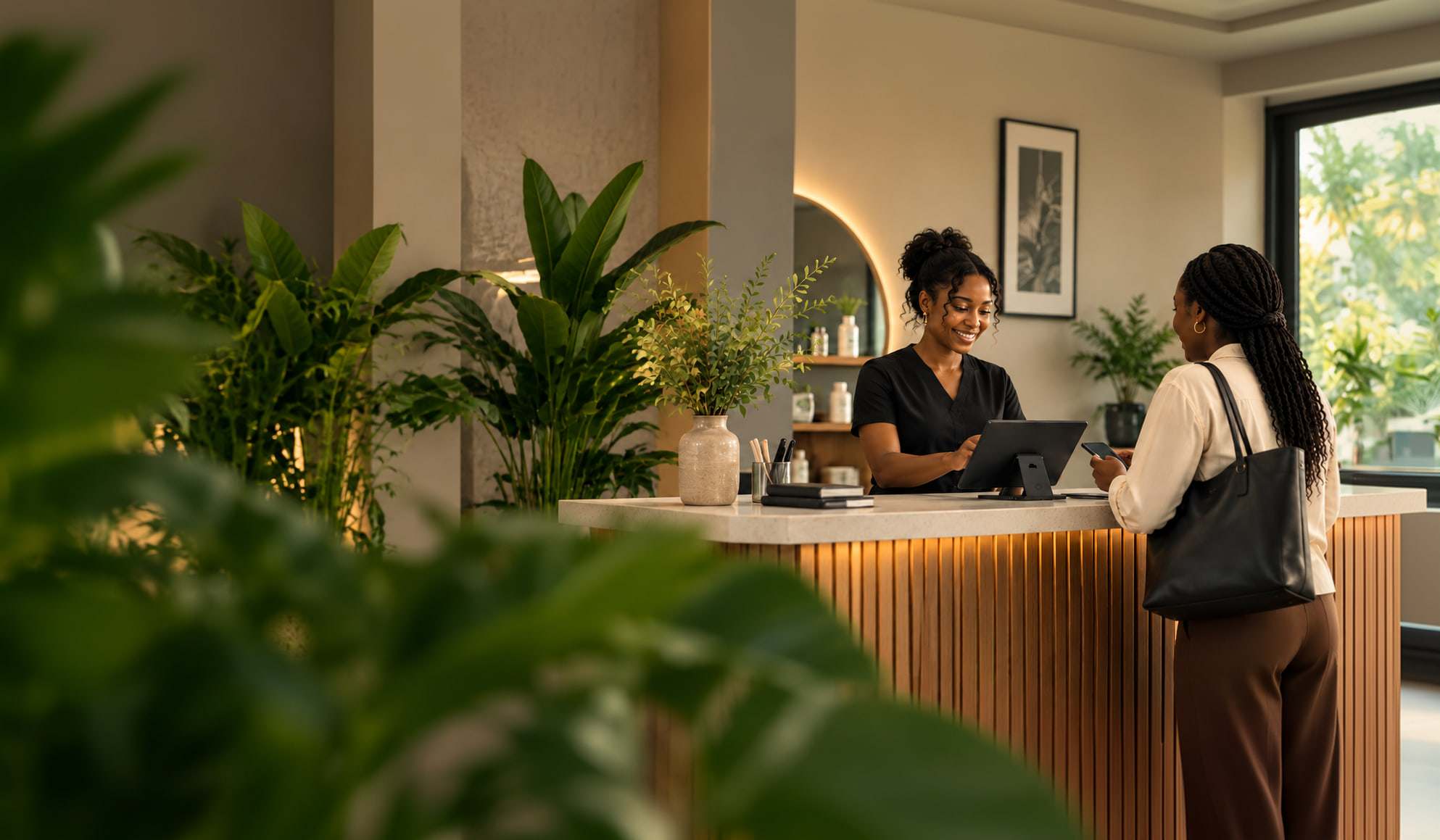
Free appointment booking for your business
Tired of answering “Are you free?”
Your customers can book and pay while you’re busy.
Keep using WhatsApp and Instagram. When someone wants to book, send your Brakett link. They can see your services, choose a time, and confirm their appointment without waiting for your reply.
No monthly fee. No card needed. Taking bookings is free. When a customer pays you online, the fee is 4%, and never more than ₦4,000.
- Your customer asks“Are you free on Saturday?”
- You send your Brakettusebrakett.com/yourname
- They choosePick a timeSat10:00 AM12:15 PM2:30 PM
- It is bookedYou're booked!Sat, 10:00 AM
41 businesses have created their Brakett booking page.
- Businesses with a booking page41Each live at its own link
- Services listed387On 32 of those pages
- Appointments booked6359 completed, 4 confirmed
- Payments recorded8937 online · 52 cash, POS and transfer
Real businesses with their booking page on Brakett.
 Tianna Home of AestheticsWuse Zone 4, AbujaOpen booking page

 Voice of ComfortOnlineOpen booking page
 Washpee Beauty HubZone 5, S3 MallOpen booking page
 Still Room StudioFestacOpen booking page

 Microlocs By MeritWarri, Delta StateOpen booking page
They book while your hands are busy.
You shouldn’t have to stop serving one customer just to book another.
They see when you’re free.
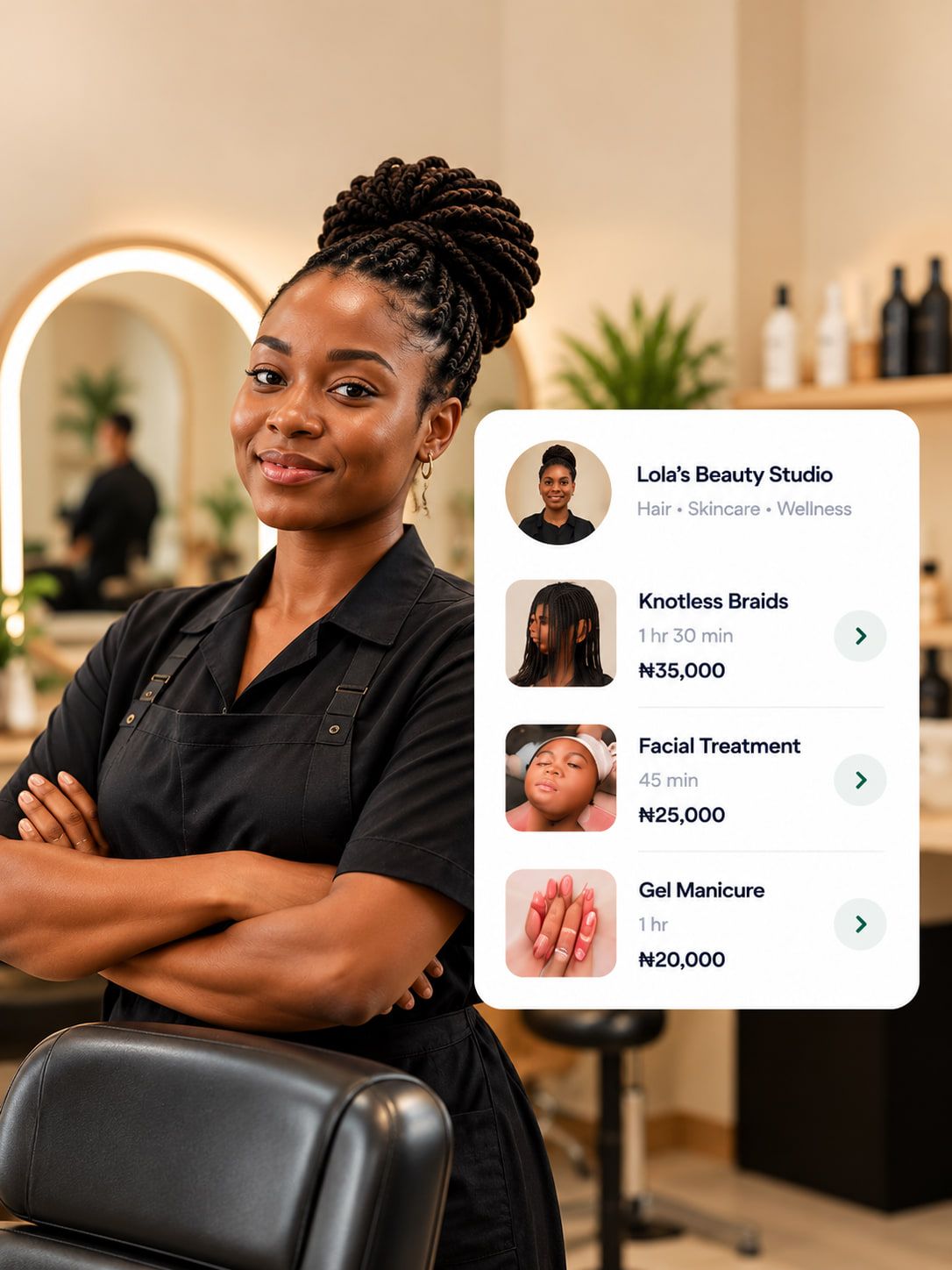
Choose a service: Box braids, 4 hours, ₦15,000 to book; Silk press, 1 hour 30 minutes, ₦20,000; Wash and set, 1 hour, ₦12,000. Your services, prices, and available times are all on one page. Customers can find what they need without asking. Already have plans on Google Calendar? Connect it so Brakett knows when you’re busy.
They choose a time and book.
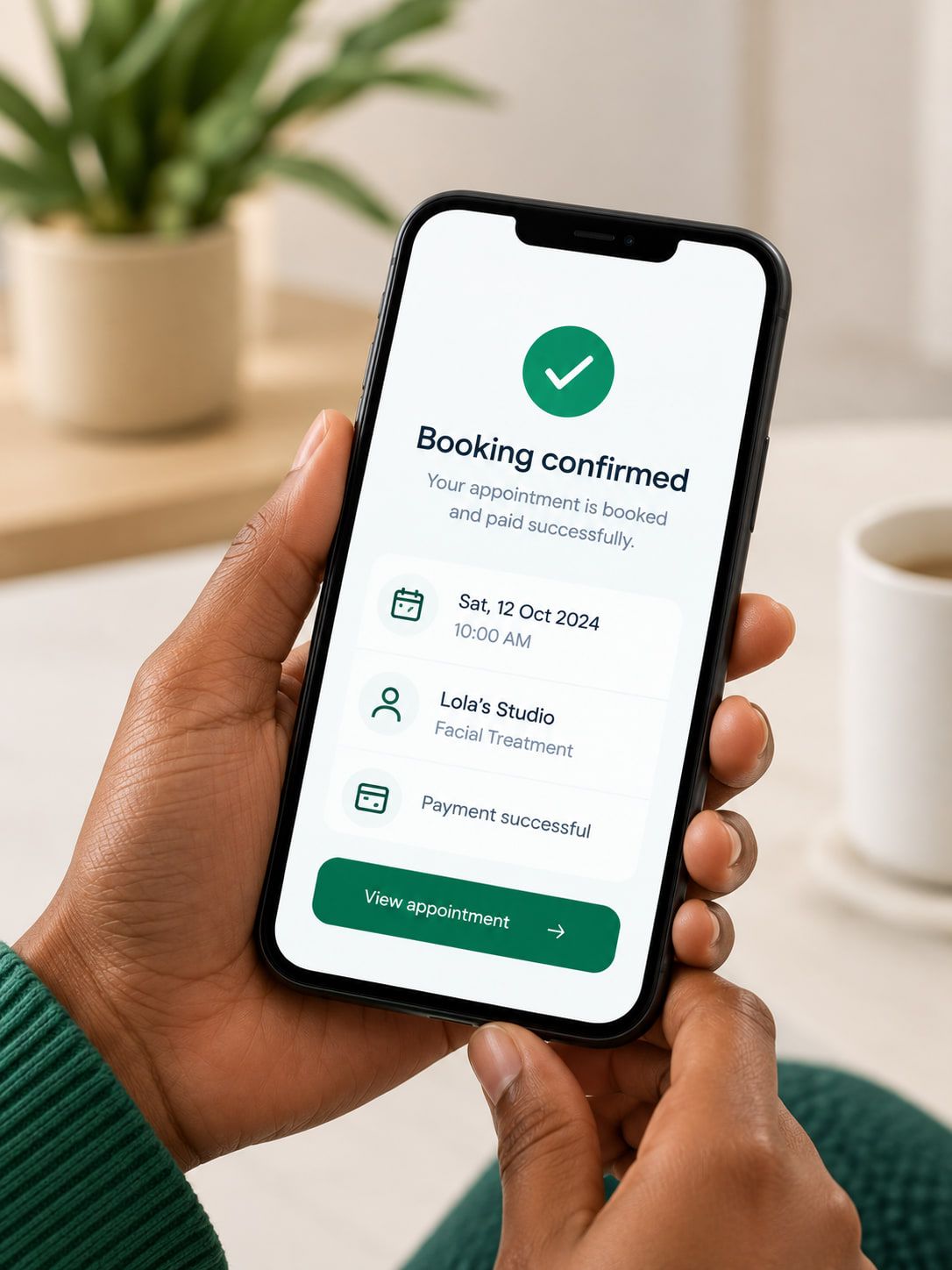
You're booked! A confirmation is on its way to your WhatsApp. Save it to your calendar: Sat 14 Nov, 10:00 AM. Customers choose an available time and pay a deposit or the full price if you require payment to confirm. If they don’t pay in time, the slot opens up again.
Nobody forgets the appointment.
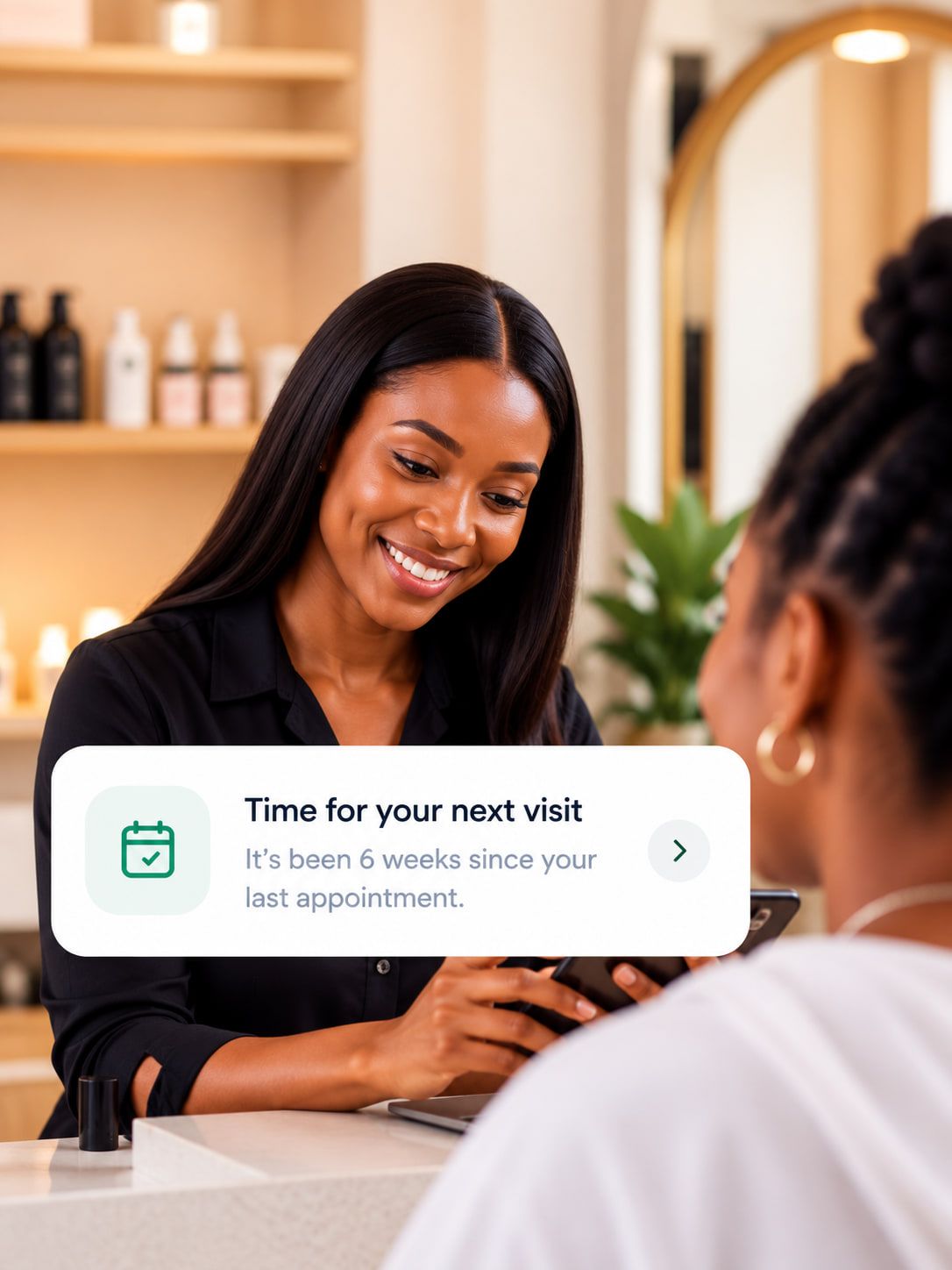
Hi Ada 👋 Reminder: your Silk press is coming up on Sat 14 Nov, 10:00 AM. See you soon! Need a different time, or can’t make it? Use the buttons below. Reschedule. Cancel. Brakett sends booking confirmations and reminders automatically, so everyone knows what’s booked.
Your customer pays. Your payout starts within seconds.
Payouts are started automatically to your connected bank account. No wallet to withdraw from and no settlement day to wait for. When the money arrives depends on your bank.
Your last customer could be your next booking.
Your customers get busy. So do you. Brakett helps you stay in touch after appointments and reminds customers when it’s time to book again.
After the appointment
Brakett helps you thank customers and ask about their experience.
When it’s time to return
Set how often customers typically return for each service. Brakett reminds eligible customers when they’re due.
Booking again is easy
Customers can return to your booking page with their service already selected.
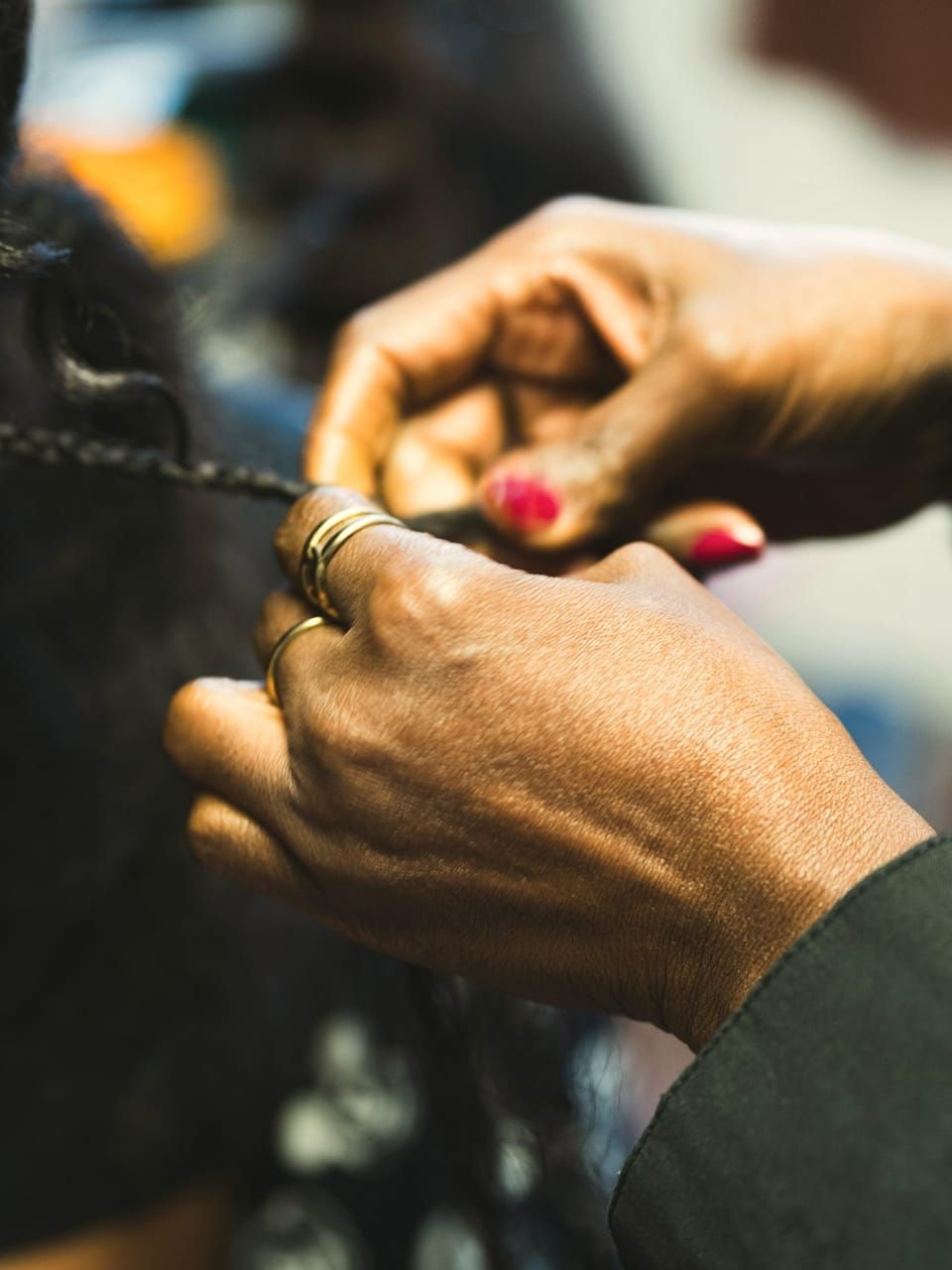
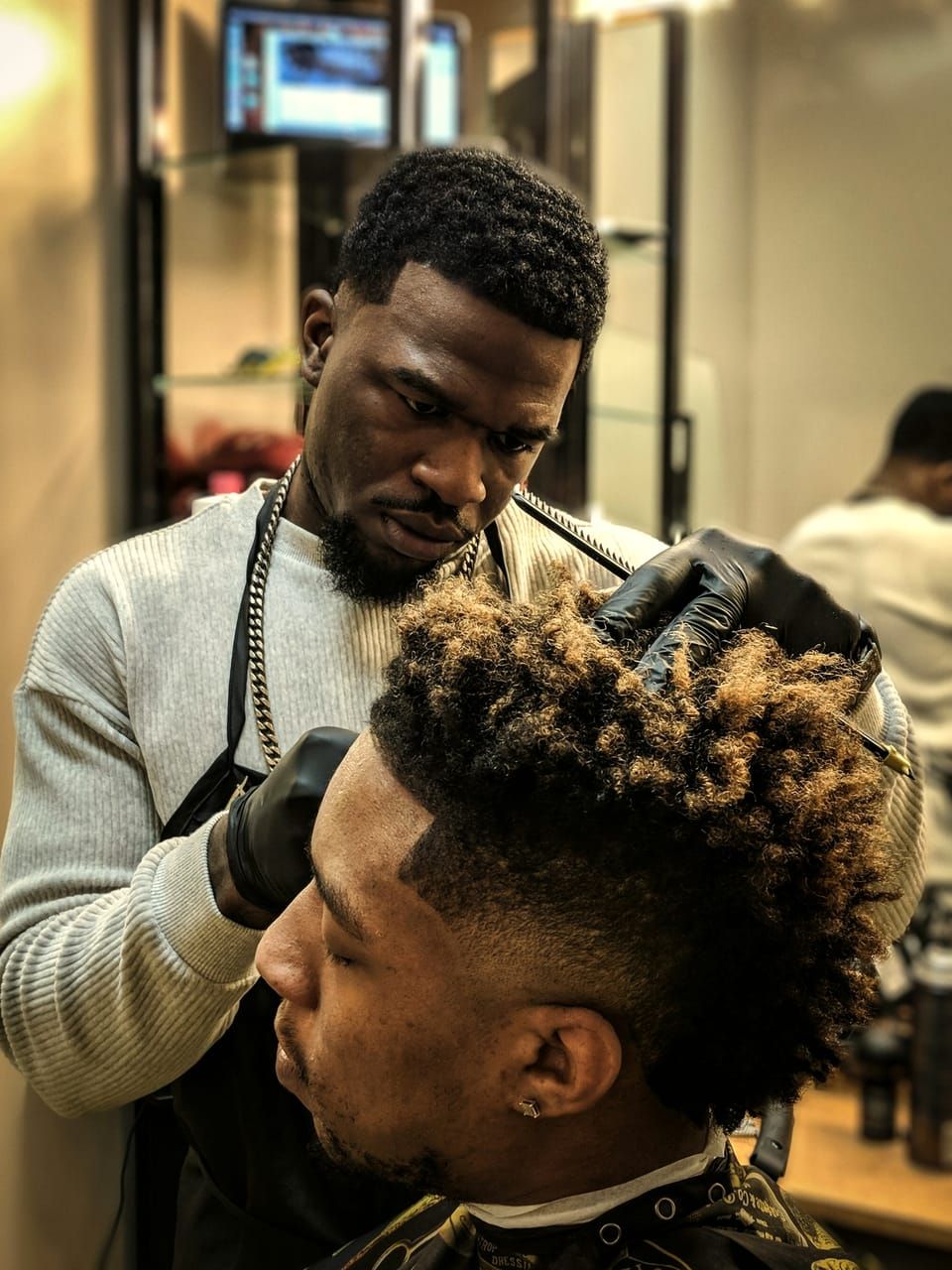
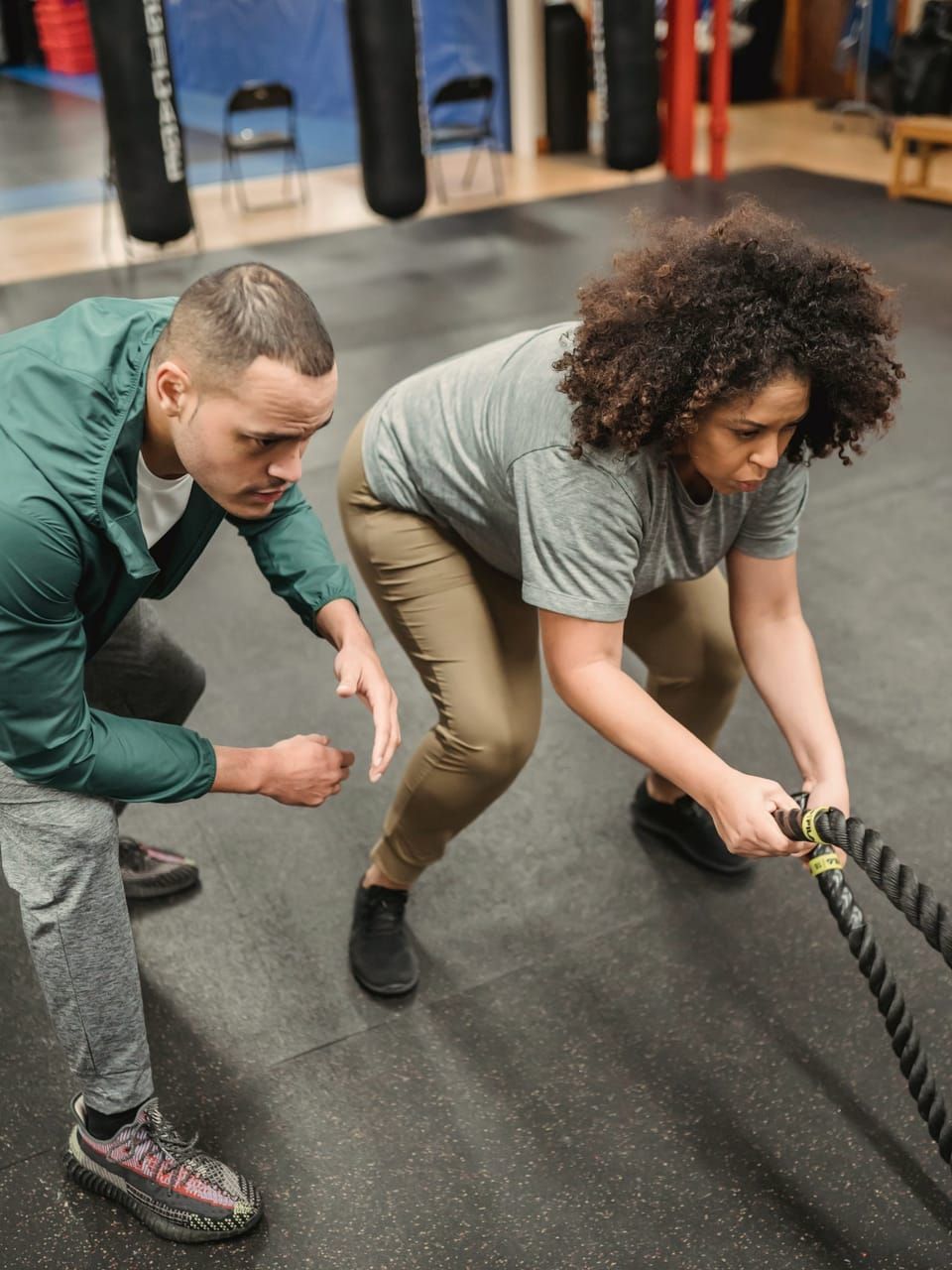
Five hour braids or a thirty minute consult. Booked the same way.
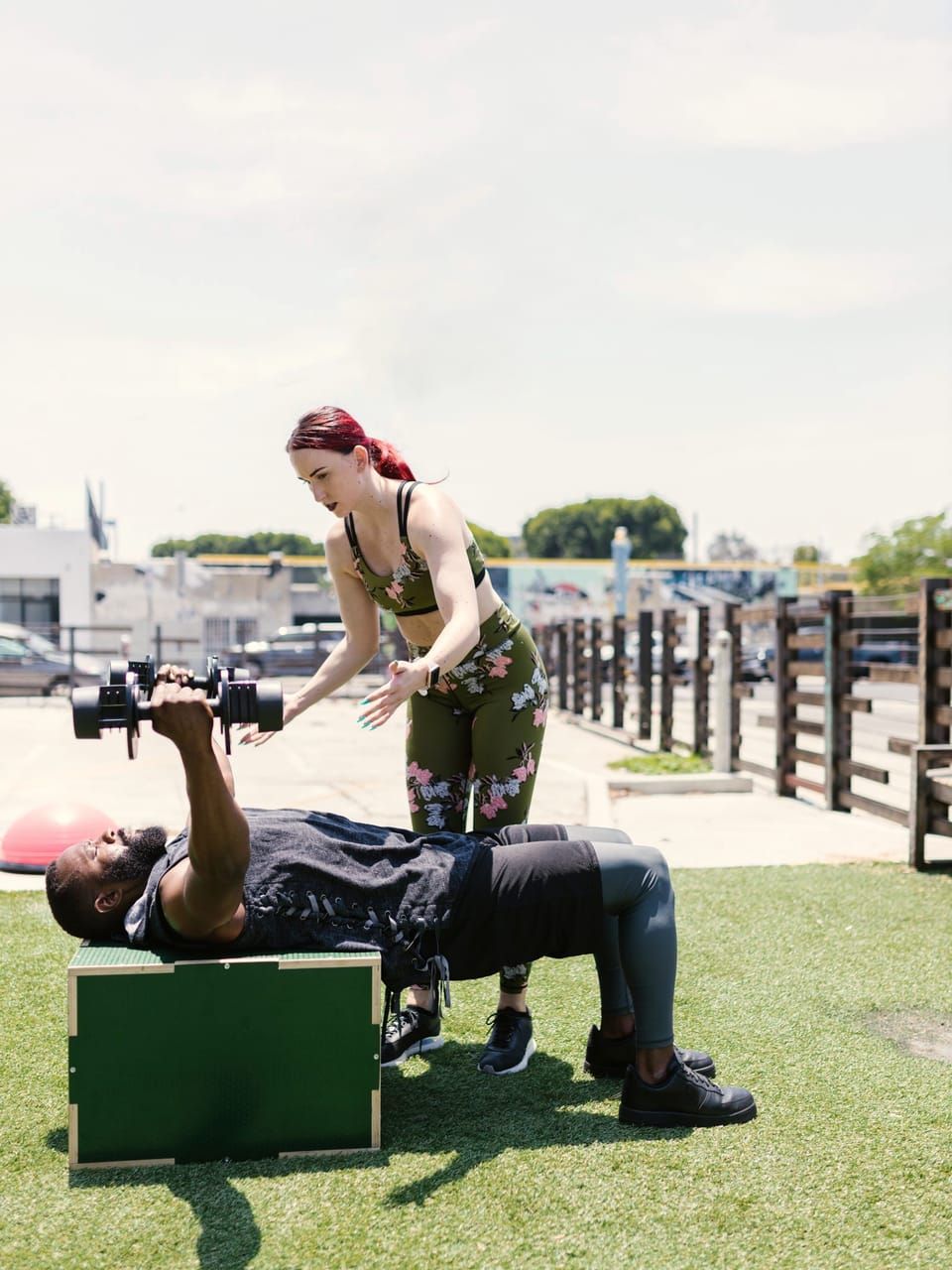
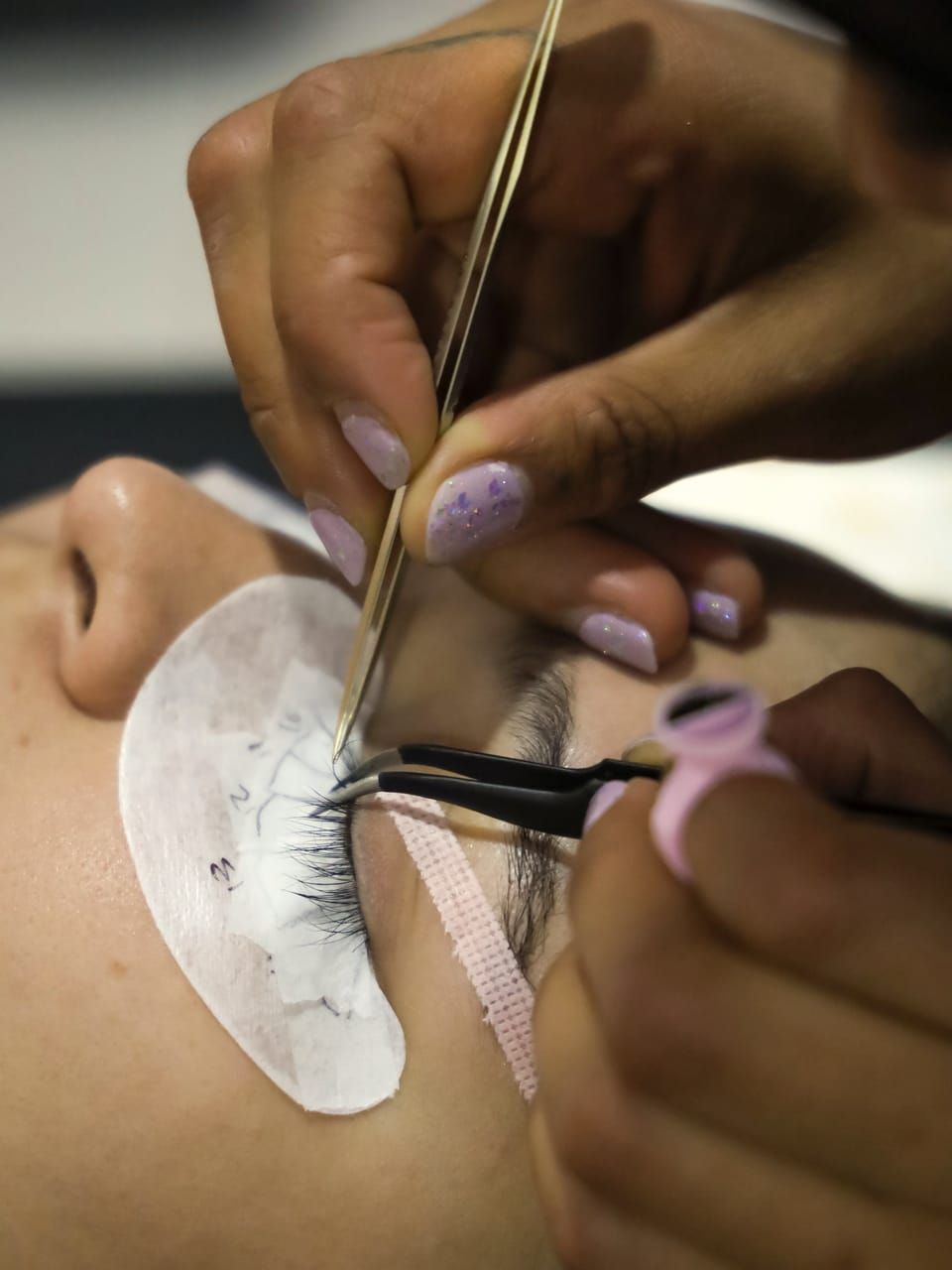
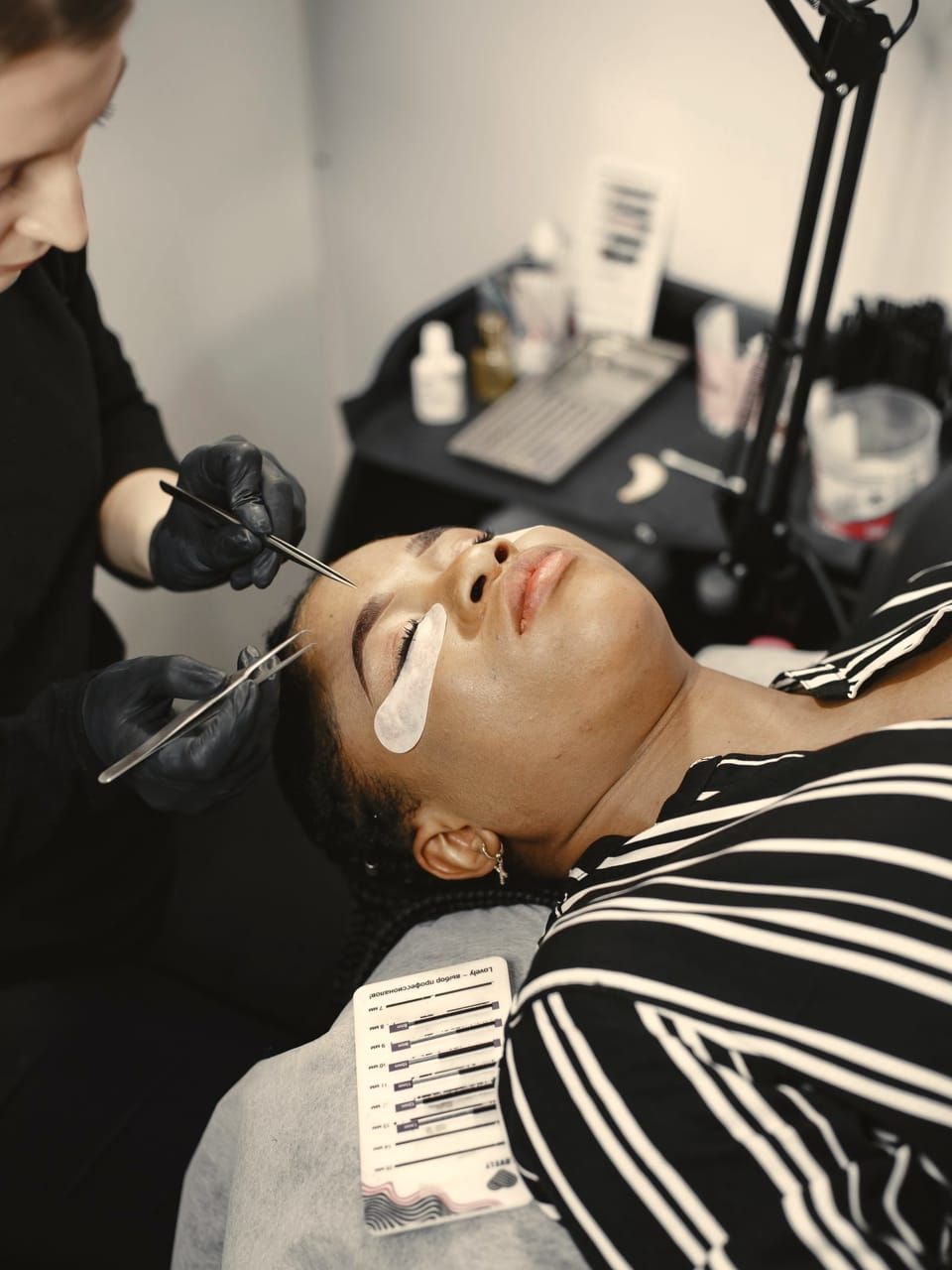
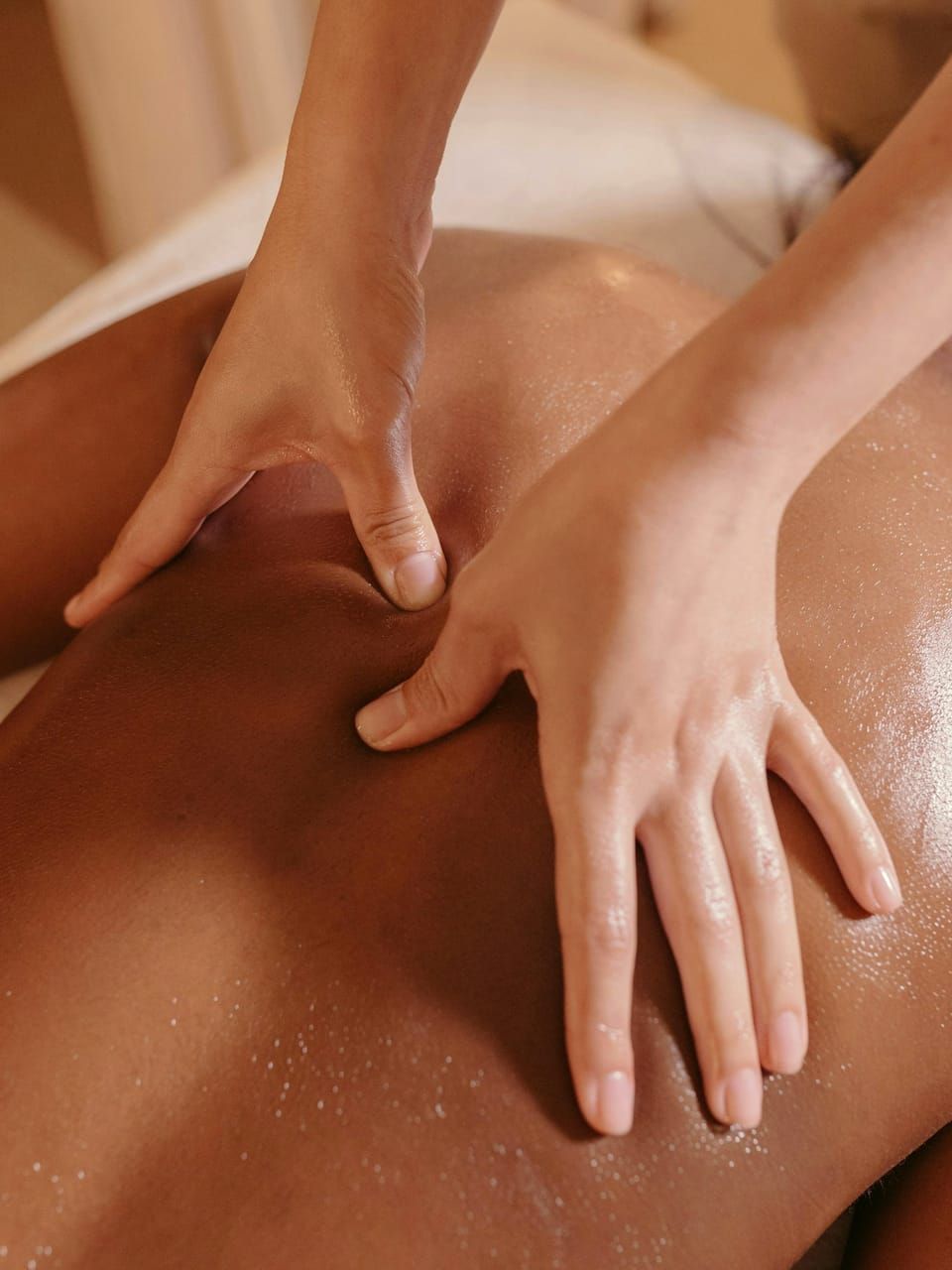
Every service carries its own length, price and deposit, so your booking page fits the way you already work.




















You only pay when you get paid online.
Creating your page and taking bookings is free. Brakett earns only when a customer pays you online.
- ₦0To take bookingsYour booking page, your calendar and your reminders are free. No monthly fee, nothing to cancel.
- 4%When a customer pays onlineOf your price. Processing is inside it, with no separate service charge.
- ₦4,000The most on one paymentFrom ₦100,000 up, the fee stops growing.
Cash, POS and your own transfers have no Brakett fee. See the full pricing
Frequently asked questions
What owners ask before they share their first link.
I already take bookings on WhatsApp and Instagram. Why do I need Brakett?
Keep using WhatsApp and Instagram to talk with customers. When someone wants to book, send your Brakett link. They can see your services, choose an available time, and complete the booking without waiting for you to reply. Brakett handles the confirmation and reminders.
Will my customers know how to use it?
Customers open your booking link in their browser, choose a service, pick an available time, and enter their details. They don’t need to download an app.
What if I already have another appointment?
You can connect Google Calendar so Brakett accounts for busy times on your connected calendar when showing availability. Brakett appointments also appear on that calendar. The integration is optional.
Can customers pay a deposit?
Yes. For each service you choose full payment or a deposit. A deposit confirms the appointment, and the balance is requested after the session by WhatsApp and email. It can be paid online or recorded as cash.
How do I receive my money?
Sent to your bank account automatically. The payout is started within seconds of your customer paying. No wallet, nothing to withdraw, no settlement day. When it shows in your account is up to your bank. Payouts may be held while our payment partner checks your bank account.
Do I need to pay monthly?
No. Your booking page, your bookings and your reminders are free, with no monthly fee and no setup fee. Brakett charges only when a customer pays you online: 4% of your price, never more than ₦4,000 per payment. Cash, POS and your own transfers are free to record.
What happens after someone books?
The time comes off your page so it cannot be booked twice, and the booking appears on your calendar. Your customer gets a confirmation, then a reminder 24 hours before, on WhatsApp with email as the backup.
Can customers reschedule?
Yes. The confirmation and the reminder carry Reschedule and Cancel. Reschedule opens a page where they pick a new day and time from what is free. Both respect the deadlines you set.
What happens after the appointment?
After the appointment, your customer gets a thank you by email. Two days later, a WhatsApp message asks how it went, with a button to leave a review. If a balance is due, Brakett asks for it with a link to pay.
Does Brakett remind customers to come back?
Yes, for every service where you have said how often customers usually come back. A new service starts at every 30 days, and you can change that or switch it off. When that time comes, Brakett emails your customer a reminder, and follows up later on WhatsApp and email if they stay quiet. The link in each message opens your booking page with the same service already selected. A customer with an appointment coming up is left alone, and anyone who asks to stop is not messaged again. The first reminder is an email, so it reaches customers who left an email address.
Does Brakett support Google Meet?
Yes. For a service you hold online, choose Google Meet as where it takes place. Each confirmed booking gets its own meeting link, and your customer is invited by email. It needs a connected Google Calendar, and your customer leaves an email address when they book. If the appointment is rescheduled, the same meeting moves with it.
What is Brakett?
Brakett is free appointment booking software for service businesses. It gives you a booking page with your services, your prices and the times you are free. Customers open your link, pick a time and book, and pay online if you ask for payment. You both get a confirmation.
Next time someone asks “Are you free?”, send your Brakett.
Get booked. Get paid. Keep customers coming back. Your booking page is free.
No money left on the table.